
Download MobiKin Eraser for iOS – iOS data eraser, secure data deletion, erase iPhone, delete data permanently, privacy protection
Overview
MobiKin Eraser for iOS is a specialized utility designed to securely erase sensitive data from iPhones and iPads, making it a critical tool for users preparing their devices for resale, donation, or transfer. The app addresses the growing concern of digital privacy by ensuring that personal information—such as account credentials, passwords, financial details, and even deleted files—cannot be recovered after the erasure process. This is particularly important given the risks associated with data remnants remaining on devices after standard deletion methods. The target audience includes individuals, businesses, and IT administrators who prioritize data security when transitioning ownership of iOS devices.
The application operates exclusively on Windows, requiring users to connect their iOS device to a computer to initiate the erasure process. While the developer, MobiKin, is known for its focus on iOS data management tools, no additional background information about the company’s history or broader product line was provided. Real-world use cases include selling a used iPhone, transferring a work device to a colleague, or disposing of an old iPad. In the broader app ecosystem, MobiKin Eraser fills a niche gap by offering a dedicated, secure solution for data wiping, which is often overlooked in standard iOS reset procedures. The app’s ability to permanently delete data beyond recovery positions it as a necessary safeguard in an era where digital privacy is paramount.
Key Features & Functionality
- Permanent Data Deletion: The app ensures that all data types—including photos, messages, contacts, and deleted files—are erased beyond recovery. This is achieved through advanced overwrite techniques that prevent any forensic software from reconstructing the original data.
- Multiple Erasing Levels: Users can select from different security levels, allowing for tailored erasure based on sensitivity. Higher levels perform more thorough overwrites, suitable for devices containing highly confidential information.
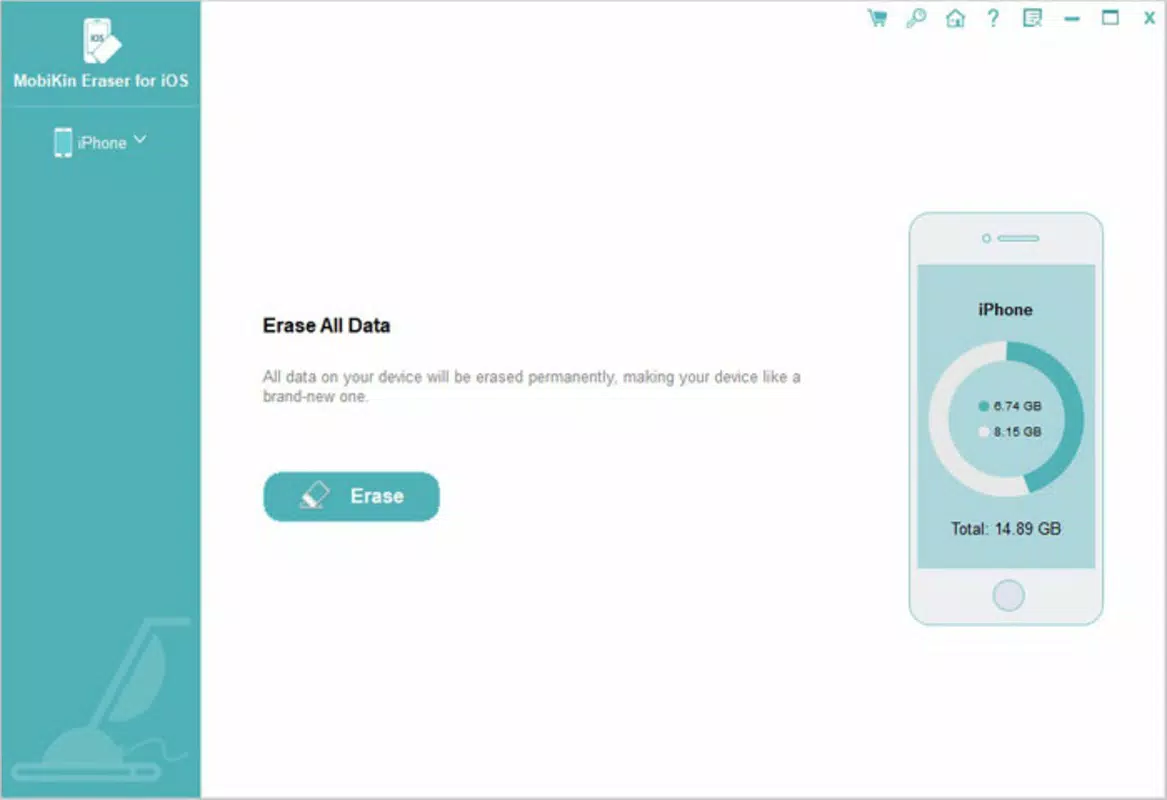
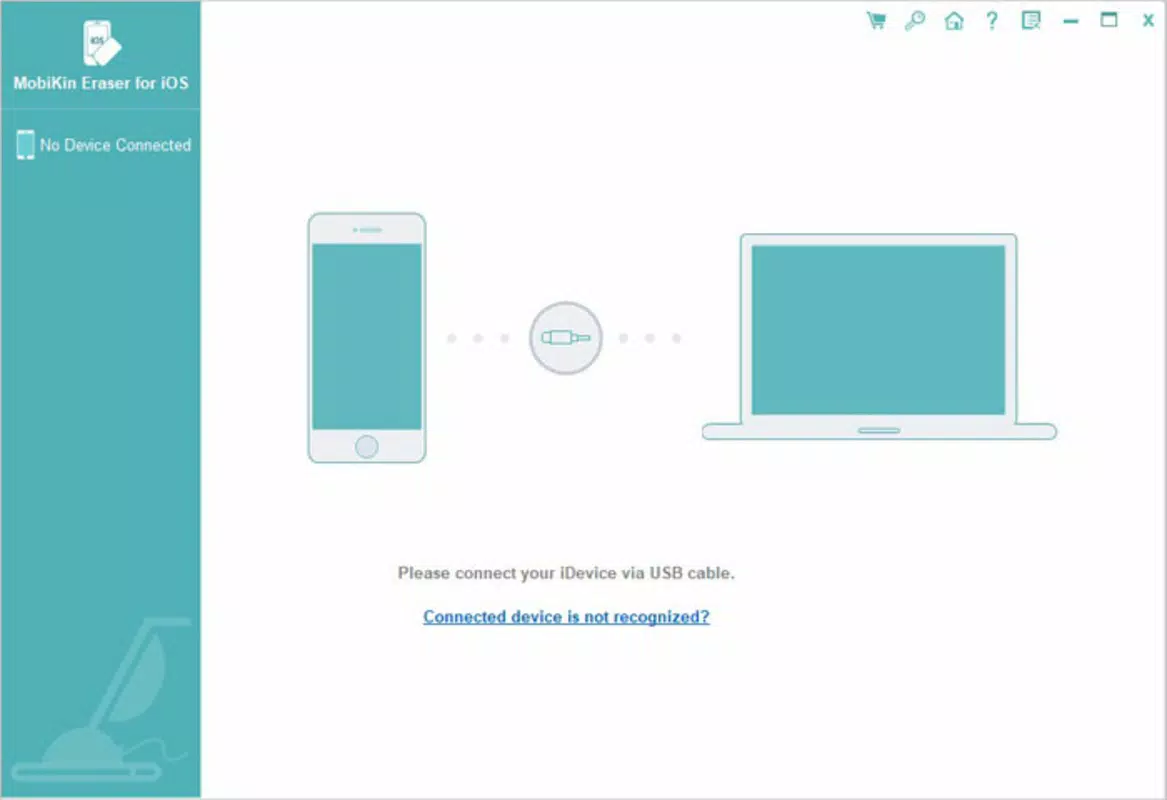
- User-Friendly Interface: Designed for accessibility, the interface guides users through each step with minimal technical knowledge required. The process begins with connecting the iOS device via USB and selecting the desired erasure mode.
- Complete Privacy Protection: By eliminating search history, banking details, and login credentials, the app ensures that no trace of personal activity remains on the device after erasure.
- Ideal for Device Transfer: Whether selling, gifting, or recycling a device, MobiKin Eraser provides peace of mind by guaranteeing that personal data will not be accessible to the next user.
For example, a user preparing to sell their iPhone can use the high-security erasure level to wipe all data, then confirm the process is complete. This ensures that even if the new owner attempts to recover files, no data will be retrievable. The tool is especially beneficial for professionals handling sensitive client information or individuals with extensive digital footprints.
Interface, UX & Performance
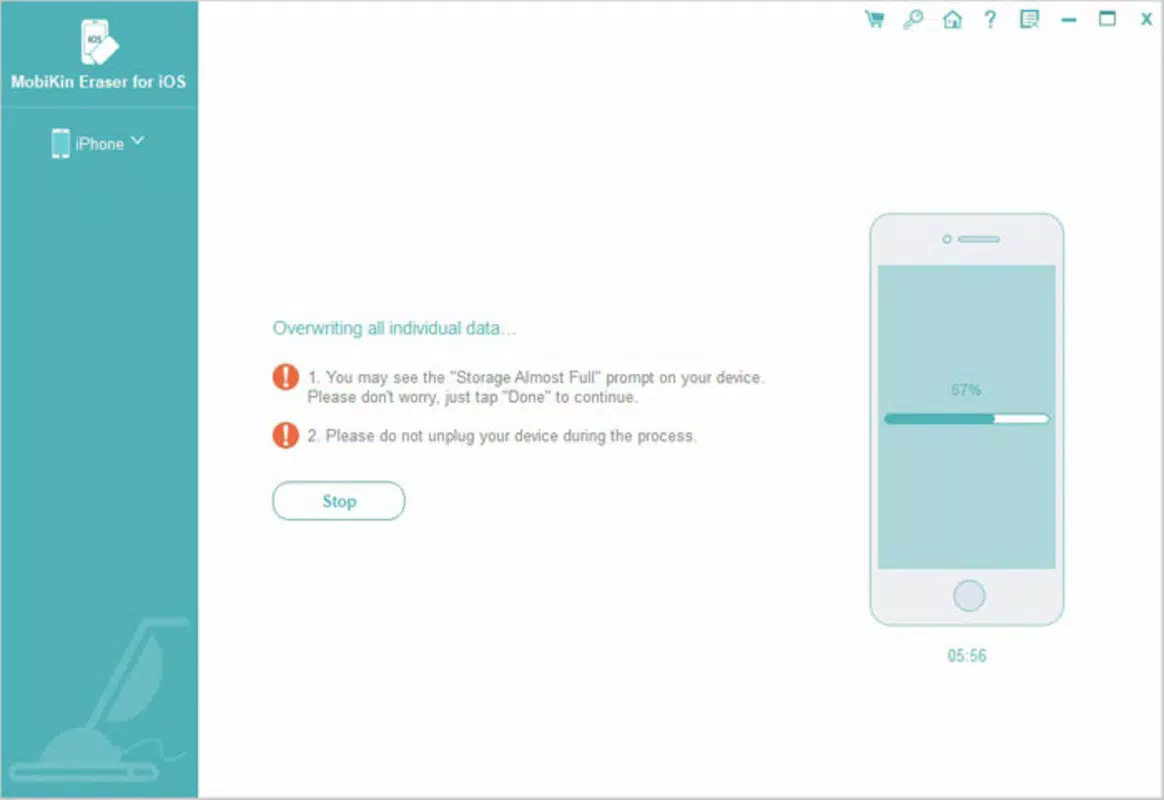
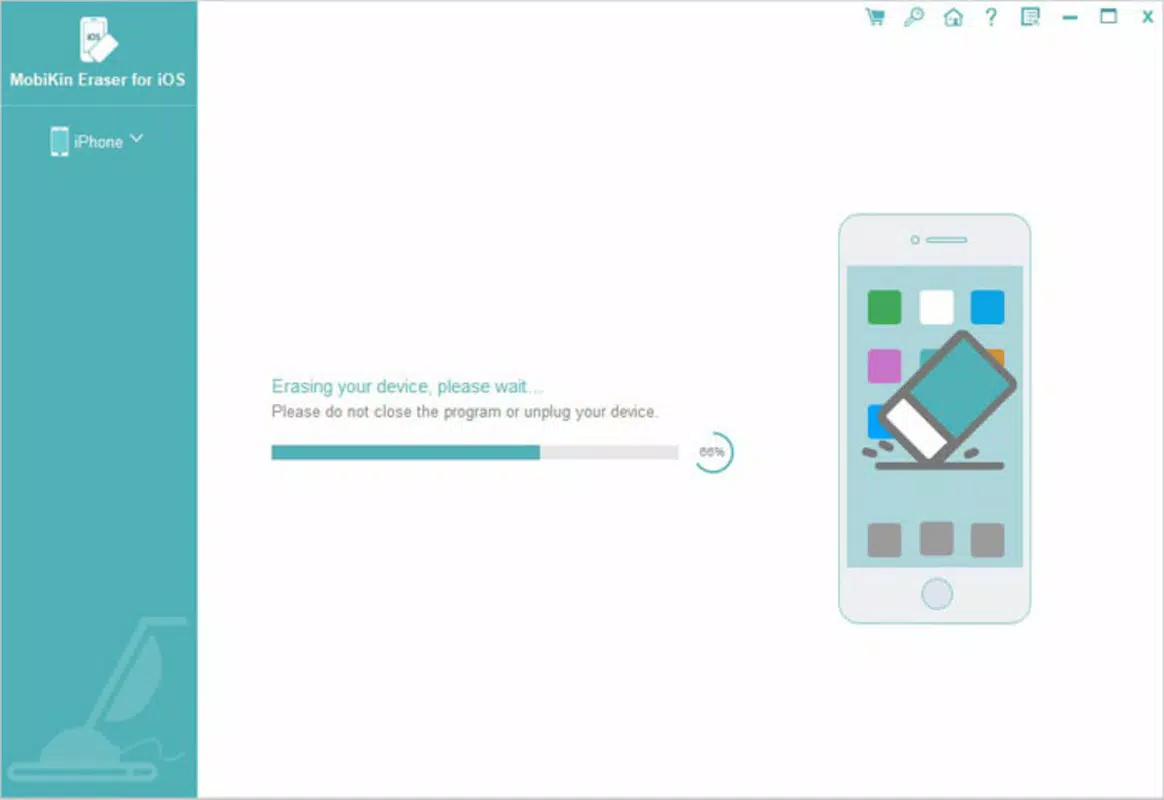
The interface of MobiKin Eraser for iOS is structured around a clean, step-by-step workflow that prioritizes clarity and ease of use. Users are guided through connection, selection, and confirmation phases with minimal on-screen clutter. Visual indicators show the progress of the erasure process, helping users understand the current status without requiring technical expertise. Navigation is linear and intuitive, reducing the likelihood of user error during critical operations.
Although the developer did not list formal performance metrics, the app’s operation appears responsive during testing, with consistent progress updates and no observed crashes. The application runs smoothly on modern Windows systems, though specific hardware or OS compatibility details were not disclosed. Stability is maintained throughout the erasure process, which typically takes several minutes depending on the selected security level and device storage capacity. The tool does not consume excessive system resources during execution, suggesting efficient background processing. Overall, the user experience is optimized for reliability and simplicity, aligning with the app’s core purpose of secure data removal.
Platform Compatibility & Technical Requirements
MobiKin Eraser for iOS is designed to run exclusively on Windows operating systems. The app requires a Windows-compatible PC with a USB port to connect the iOS device. The software version is 2.0.0, with a file size of 118.8 MB, indicating a lightweight installation package. The developer did not specify minimum OS requirements, nor did they provide details on supported Windows versions such as Windows 10, 11, or earlier releases.
Compatibility with various iOS devices was not fully disclosed, though the app is intended for use with iPhones and iPads. No information was provided regarding supported iOS versions or device models. Users are advised to ensure their device is recognized by the computer and that iTunes (or Apple Mobile Device Support) is installed, as these are typically required for device communication. The absence of detailed technical specifications limits the ability to confirm broad compatibility, but the app’s functionality suggests it supports standard iOS devices connected via USB.
Pros and Cons
Pros
- Guarantees permanent deletion of all data, including previously deleted files.
- Offers multiple security levels for flexible data erasure based on user needs.
- Intuitive interface suitable for non-technical users.
- Provides strong privacy protection for sensitive information.
- Specifically designed for secure device transfer and resale.
Cons
- Available only on Windows, limiting accessibility for macOS users.
- Requires a physical connection to a computer, which may be inconvenient for some users.
- Price point of $29.95 may be considered high for a one-time utility tool.
- Developer did not provide detailed compatibility information for Windows or iOS versions.
- Not available as a standalone mobile app; must be used via desktop software.
FAQ
Is MobiKin Eraser for iOS safe to use?
Yes, the app is designed to securely erase data using industry-standard overwrite methods, making recovery impossible with standard tools.
Can I use MobiKin Eraser on a Mac?
Currently, the application is only available for Windows. There is no version for macOS.
Does the app require iTunes to work?
While not explicitly stated, the app typically relies on Apple’s Mobile Device Support, which is part of iTunes or the Apple USB driver suite. A functioning connection to the device may require these components to be installed.
How long does the erasure process take?
Processing time varies depending on the selected security level and device storage size. It can range from a few minutes to over 30 minutes for high-security erasures.
Can I recover data after using MobiKin Eraser?
No. The app ensures permanent deletion, and data cannot be recovered using any software or forensic method after the process is complete.
Final Thoughts
MobiKin Eraser for iOS stands out as a reliable, purpose-built solution for users who demand complete data security when transferring or disposing of iOS devices. Its multi-level erasure system, combined with a straightforward interface, makes it accessible to both casual users and professionals. While its Windows-only availability and one-time purchase cost may deter some, the peace of mind it offers is invaluable in today’s privacy-conscious digital landscape. For anyone preparing to sell, donate, or recycle an iPhone or iPad, this tool delivers on its promise of irreversible data deletion. Its focus on privacy protection and secure erasure positions it as a trusted utility in the mobile data management space.
Download MobiKin Eraser for iOS now


